News
Integrate Photo-Based Geolocation into Your Application
A new feature to use Veezer as a software component.

A new feature to use Veezer as a software component.
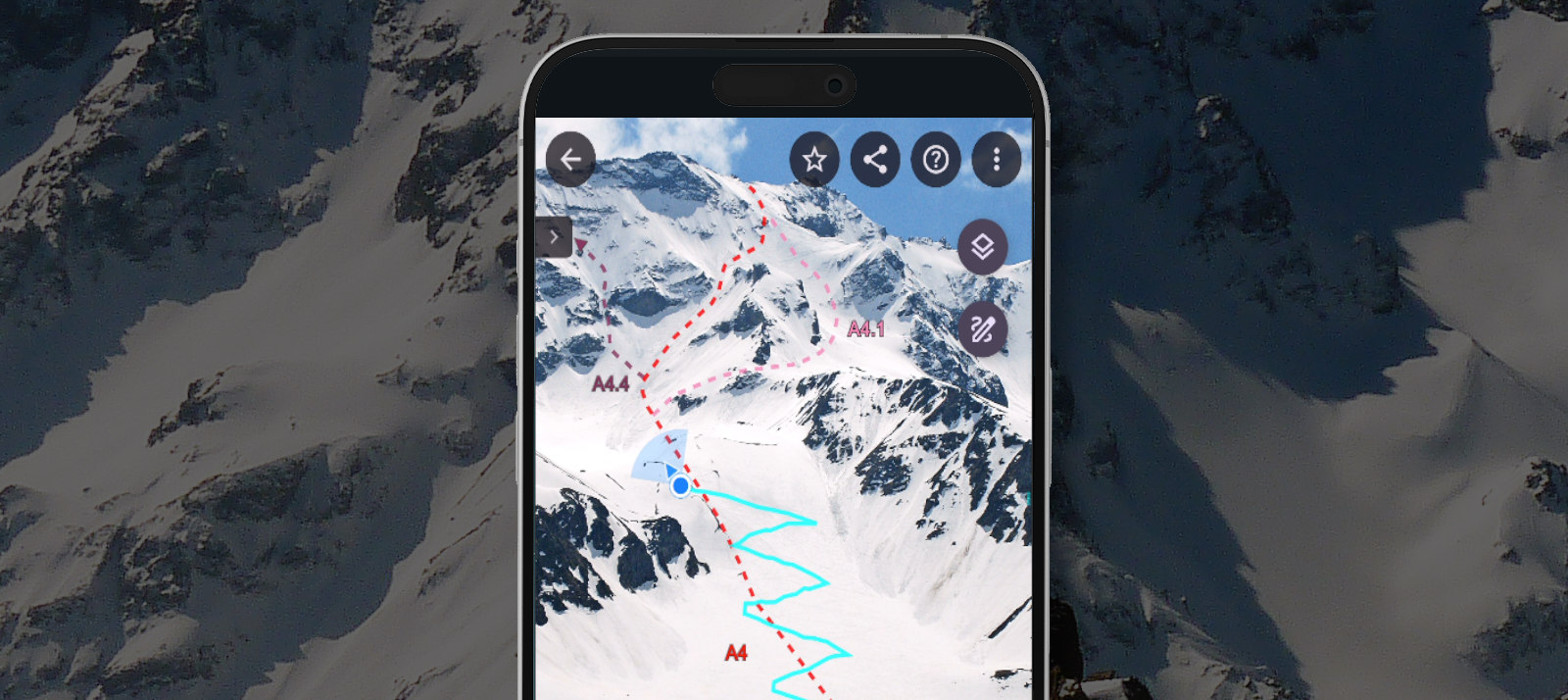
Feedback on Integrating Toponeige Collection (Volopress) Route Photos into the Veezer App
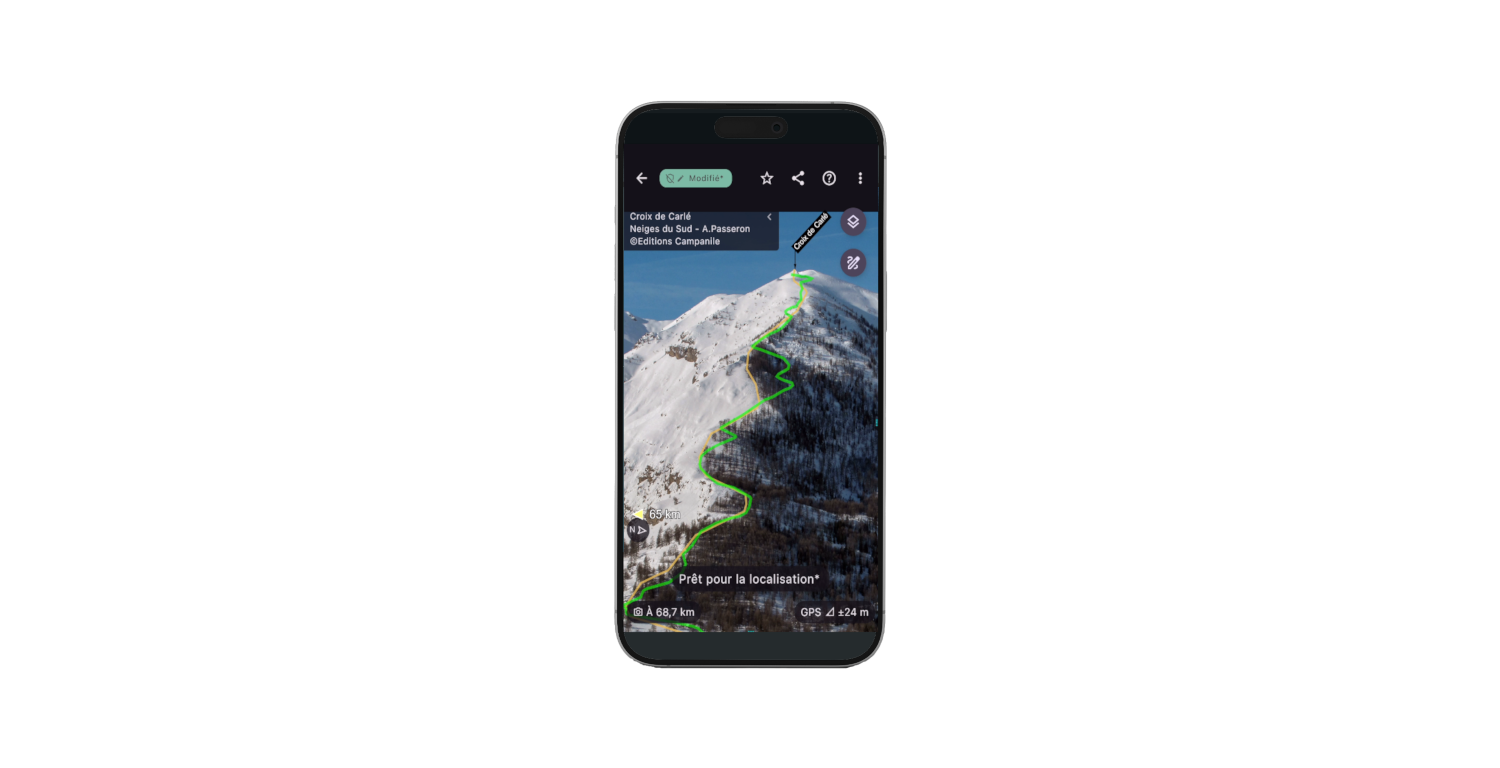
New drawing and tracing features for protected content.
A selection of apps to use alongside Veezer for preparing your scouting photos
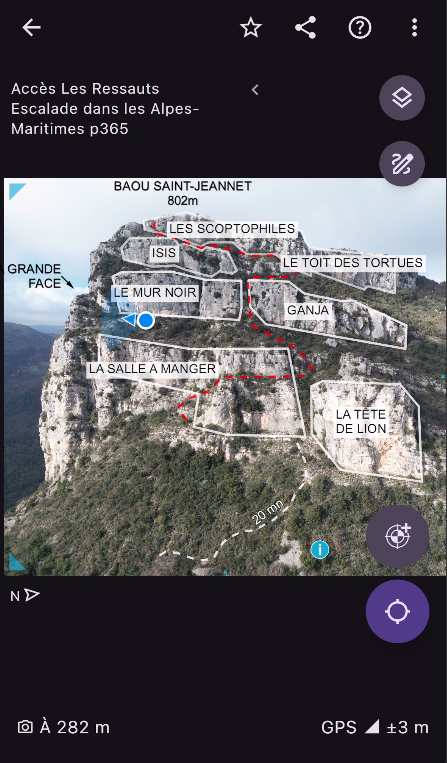
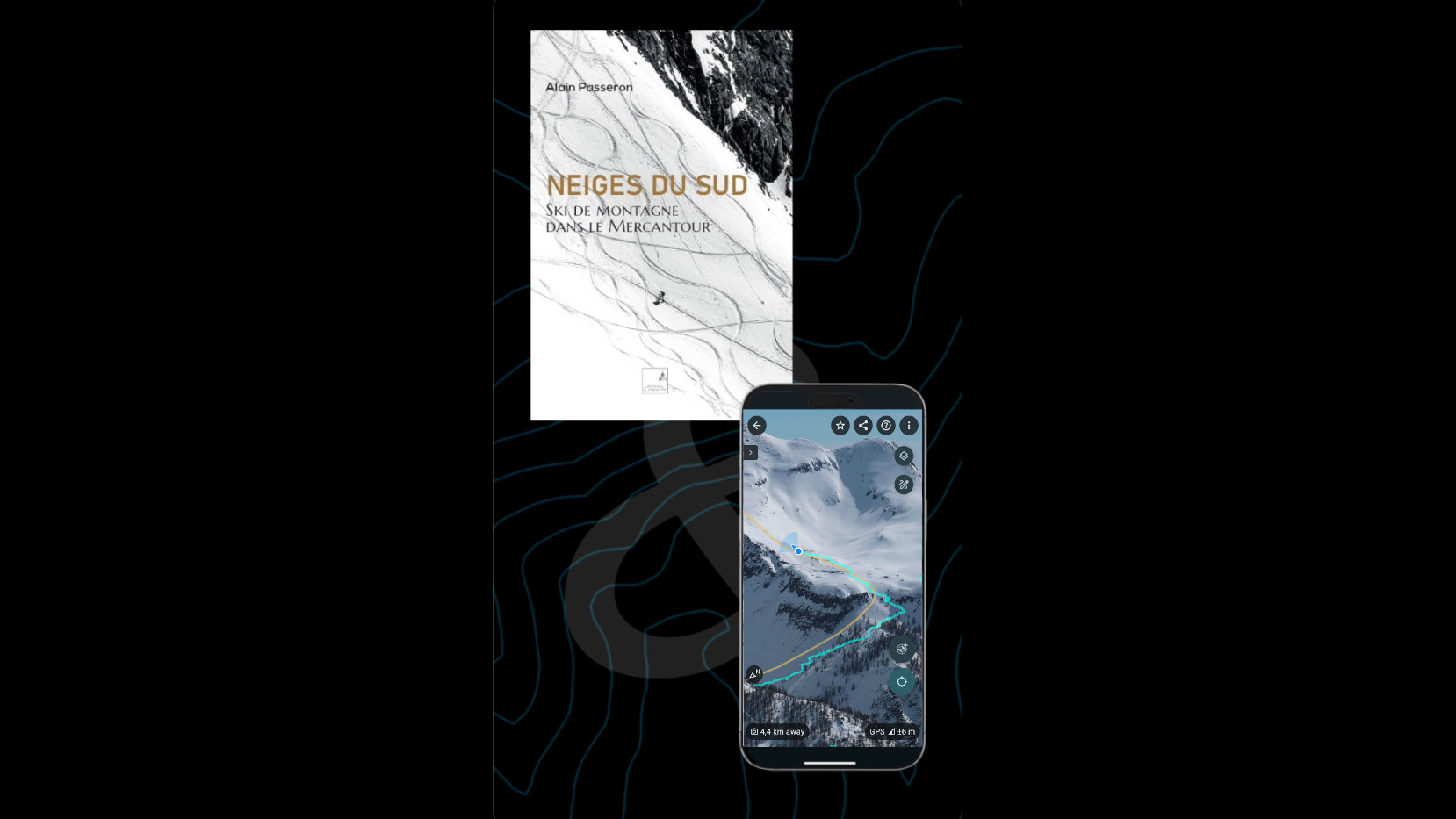
A selection of routes from the book Neiges du Sud in the Veezer app.
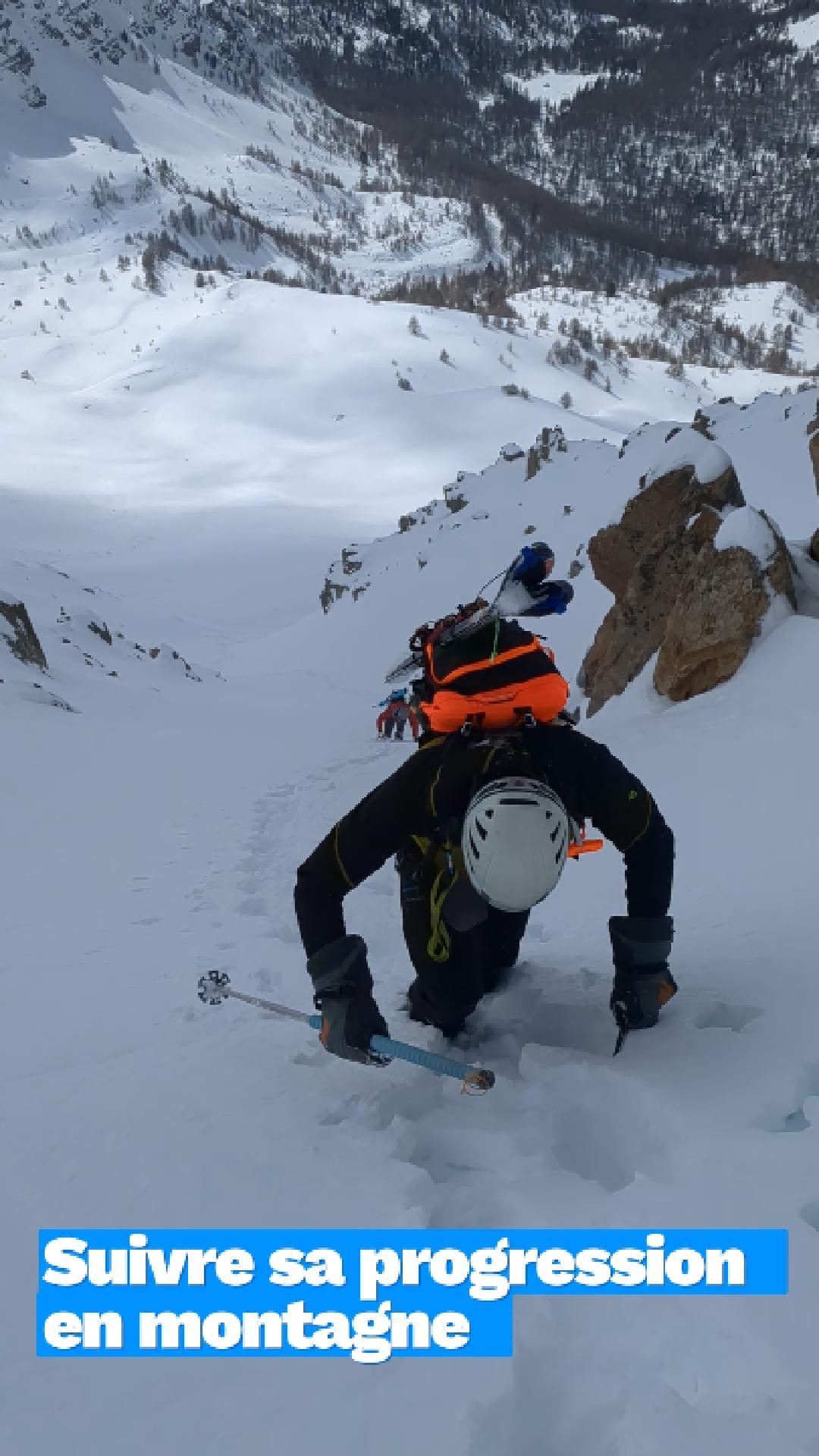
A day of mountain testing full of learning!
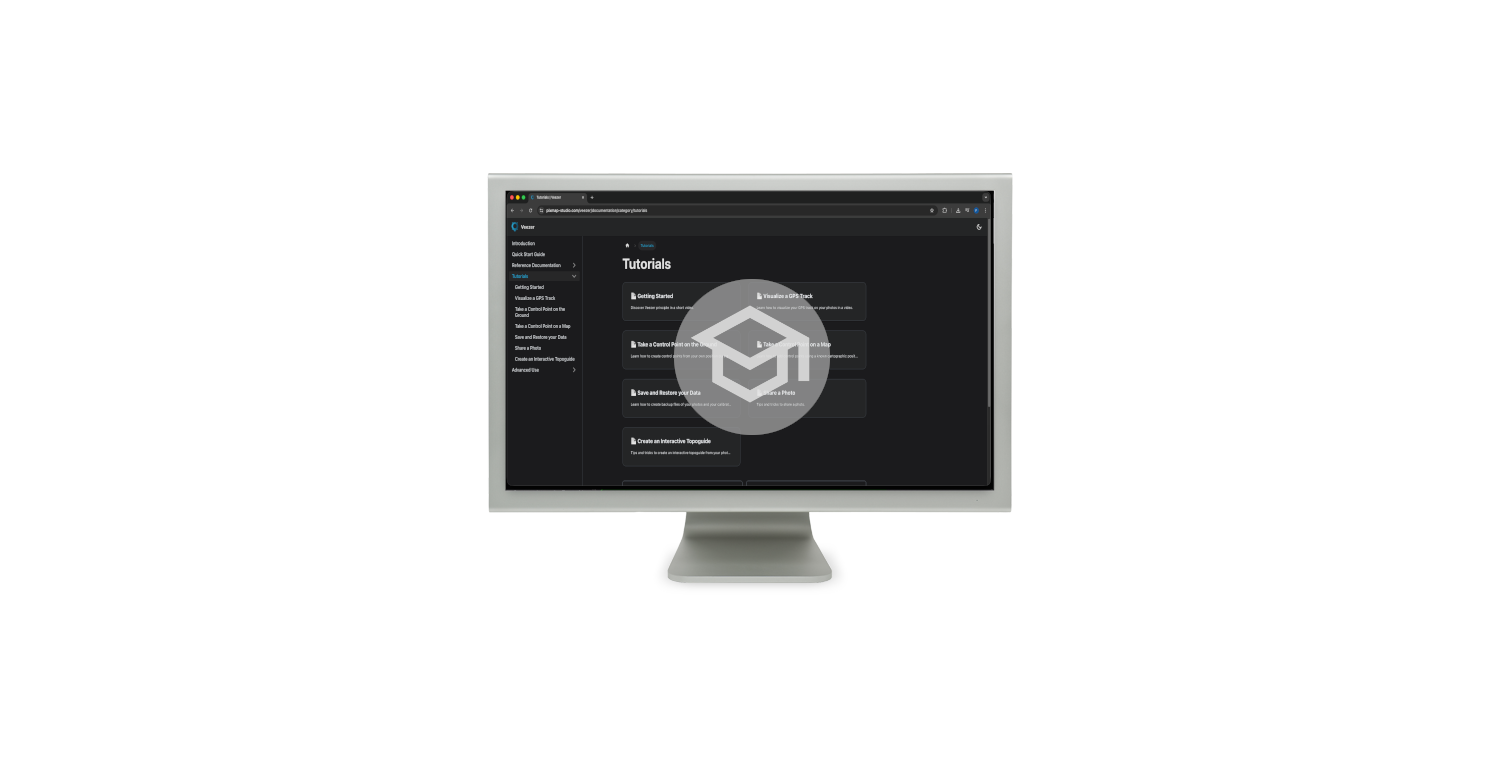
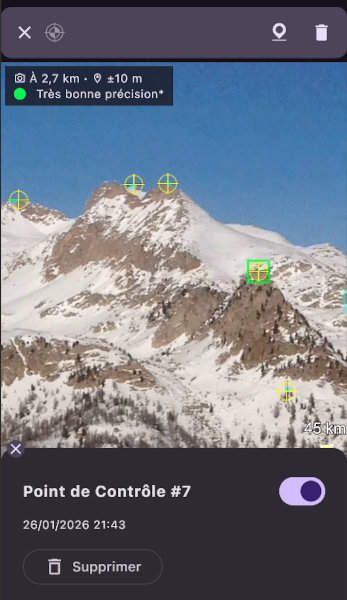
Learn how to take a photo and add a control point on the ground to get precise localisation on the photo.
Learn how to create a control point from a cartographic reference.
Learn how to visualize your GPS track on your photos in a video.